We teach students across time zones every week. The families who get the most from online lessons treat the screen like a studio door — same instrument, same focus, a setup that lets the teacher see hands and hear tone clearly.
Camera: show the hands, not just the face
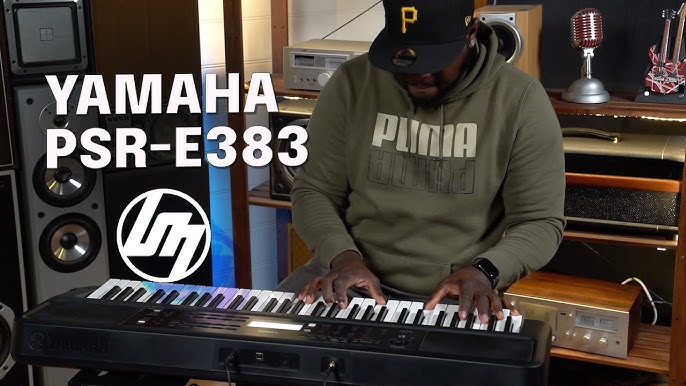
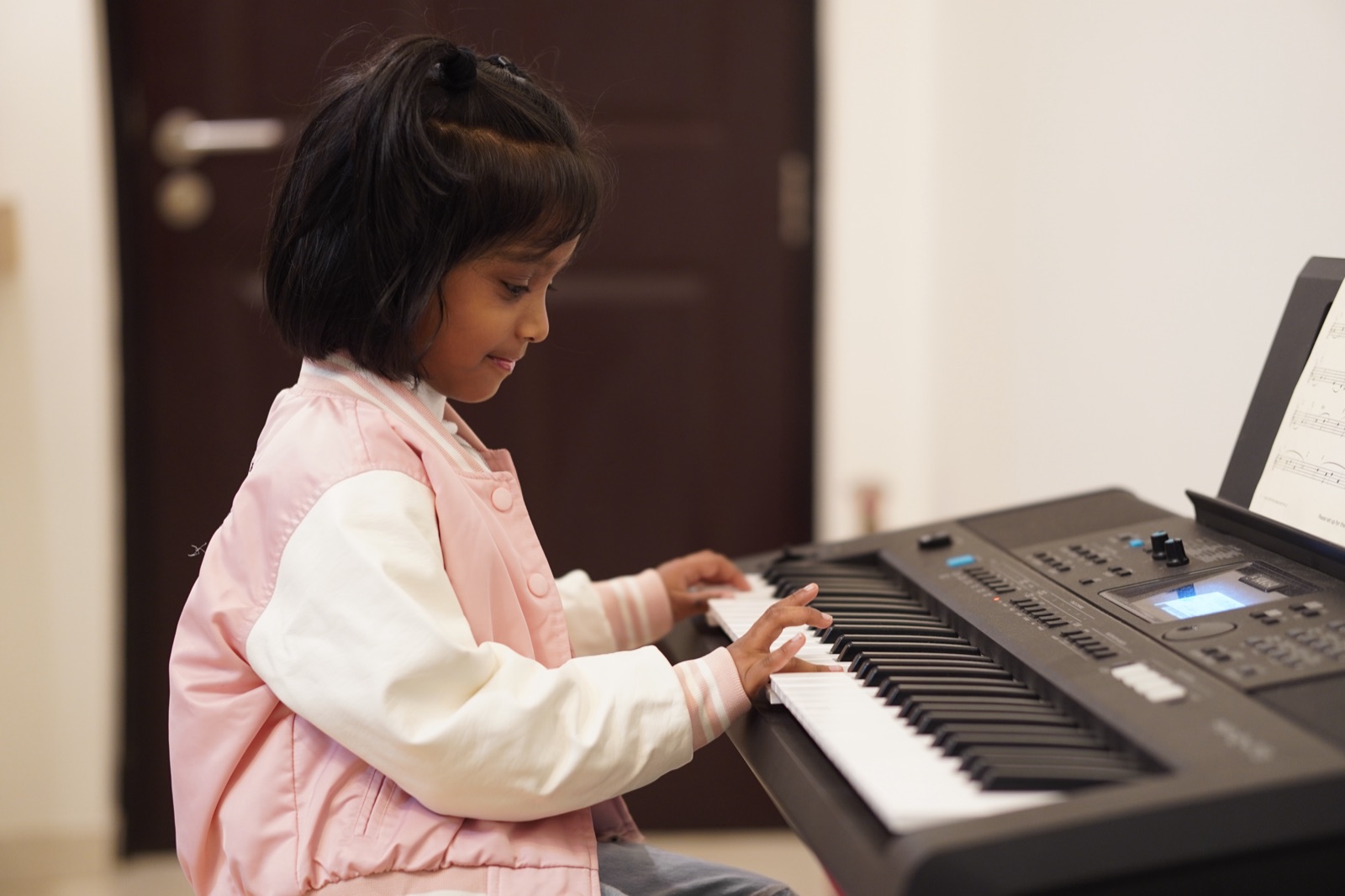
Place the device to the side of the keyboard so we can see both hands and the music stand. A laptop on a small stand or a second phone on a tripod works well. Sit a little further back than a video call — we need the keyboard in frame more than a close-up selfie.
Sound that travels
Built-in laptop mics can muddy the piano. If you can, use wired earphones with a mic, or a simple USB mic near the instrument (not inside the case). Close windows during the lesson; fans and AC create noise that hides soft dynamics.
- Stable Wi‑Fi — prefer ethernet or sit near the router
- Headphones for the student if the room echoes
- Music books open before the call starts
Time zones without the scramble
We schedule in your local time and send a calendar invite. Keep a five-minute buffer before the lesson so tuning, logging in and finding page numbers don’t eat into teaching. Adults often prefer early morning or late evening slots; children usually do best after school, before fatigue sets in.
Online doesn’t mean distant. With a clear camera and a quiet corner, it feels remarkably like sitting together at the same piano. Book a trial and we’ll help you set up before the first note.